Licensed private AI desktop software
Private local AI for teams that cannot send sensitive work to the cloud.
Realigns Local Studio v1 gives corporate users a controlled Mac and Windows AI workspace with local GGUF models, built-in runtime packaging, license activation, privacy-first workflows, and responsible AI governance language for USA and EU policy conversations.

runtime bundled for Mac Apple Silicon + Windows x64
privacy prompts and files stay local by default
models user uploads approved GGUF model
license activated and governed by Realigns Inc.
Download from GitHub Releases
Official setup files for approved clients.
The download buttons use the public GitHub Release assets for version 1.0.0. Do not download GitHub’s automatic “Source code” ZIP/TAR files; those contain documentation only.
Mac Apple Silicon
DMG installer for M1, M2, M3, M4 or newer. Local runtime is bundled for approved client testing; no Homebrew setup is required for the runtime.
Windows x64
EXE setup file for Windows x64. Local runtime and required Windows runtime libraries are packaged with the installer.
Important: download only the DMG or EXE from GitHub Releases. The automatic GitHub “Source code” ZIP/TAR files are not app installers and contain public documentation only.
Core product information
Everything corporate clients need to understand the product.
Realigns Local Studio v1 is designed for privacy-sensitive local AI workflows where organizations want model choice, controlled installation, and predictable internal use.
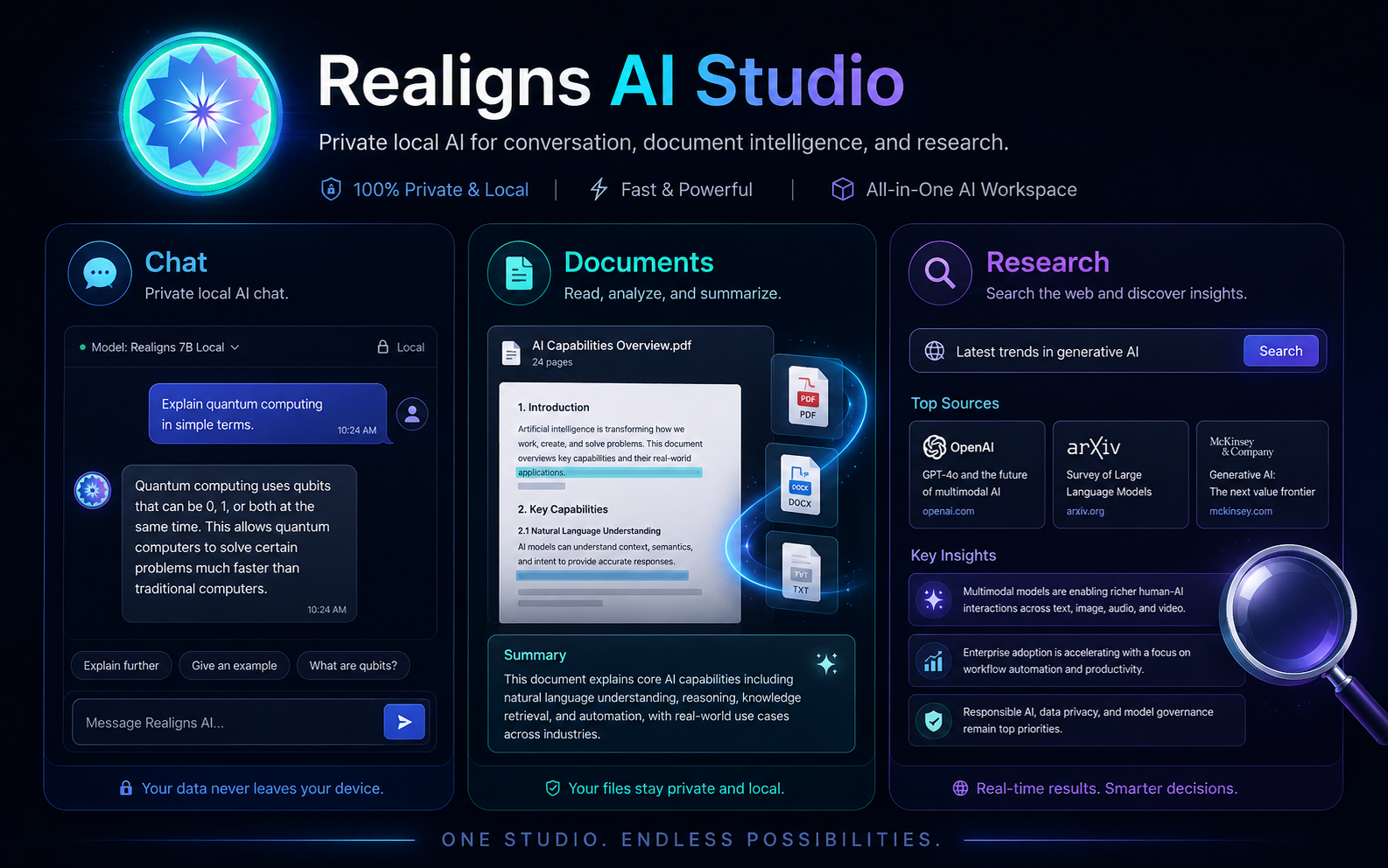
Chat Studio
Local model chat for productivity, planning, drafting, and controlled internal AI assistance.
Document Studio
Private document review, summarization, and Q&A workflows on the user-controlled machine.
Research Studio
Optional web-enabled research can be used when authorized; local mode remains the privacy-first default.
Coding Studio
Support for code explanation, planning, refactoring guidance, and developer productivity workflows.
PPT Studio
Create outlines, talking points, and presentation content using approved local models.
Model Manager
Upload, select, start, stop, and remove local GGUF models inside the app interface.
Local API Gateway
Local API access for approved same-machine and internal workflows under license control.
Security Console
Privacy status, responsible AI controls, license state, warnings, and governance visibility.
USA / EU responsible AI positioning
Built for governance discussions, not risky AI shortcuts.
The product language is designed to support responsible adoption conversations around NIST AI RMF, the EU AI Act’s risk-based approach, privacy-by-design, human oversight, restricted use, and accountable deployment.
- NIST AI RMFVoluntary risk management language for trustworthy and responsible AI adoption.
- EU AI ActRisk-based compliance awareness for AI providers, deployers, and high-risk use cases.
- Human oversightAI outputs should be reviewed before sensitive business, legal, HR, medical, financial, or government decisions.