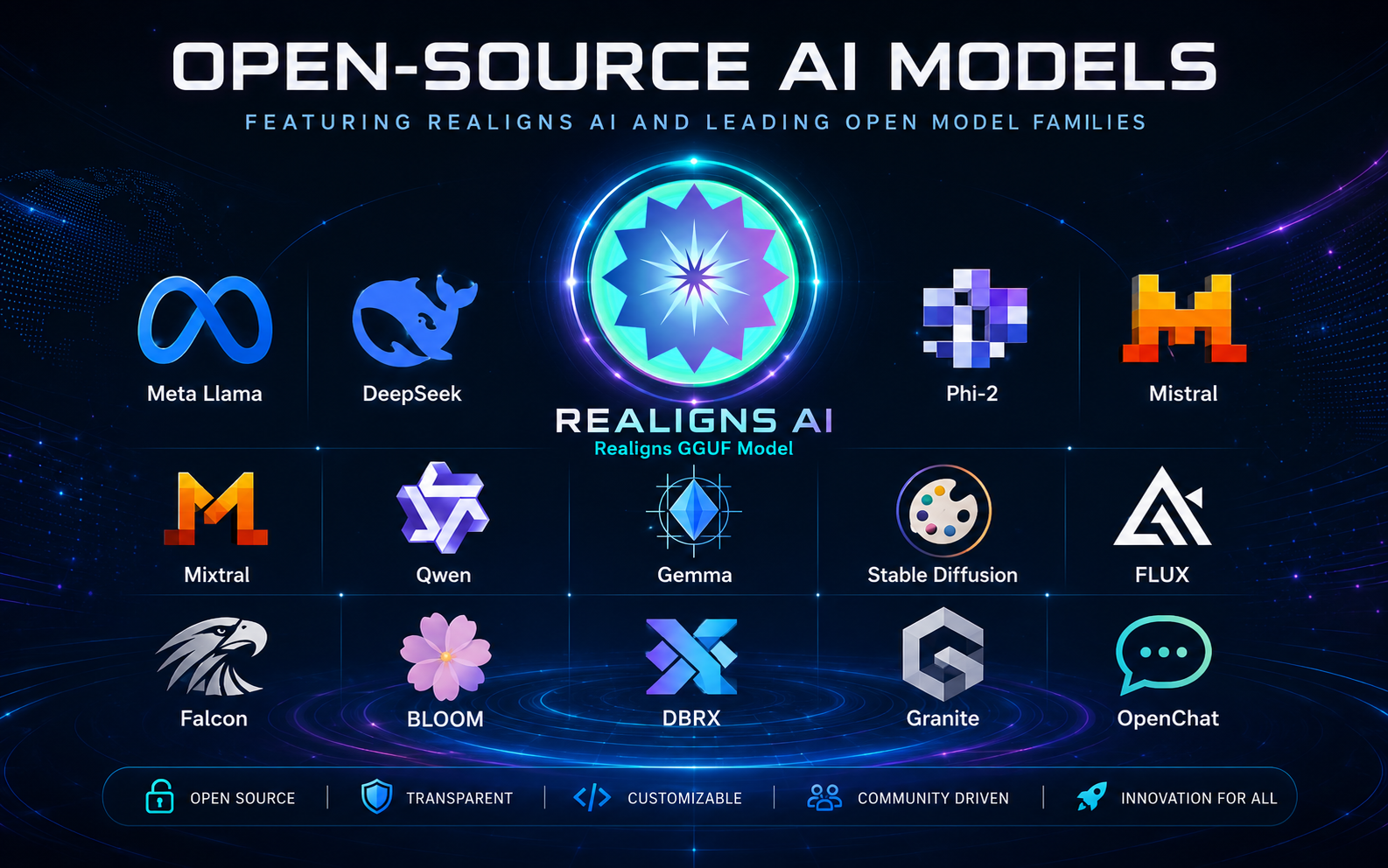
Realigns Model Library

Direct GGUF model downloads for private local AI.

Download approved GGUF models from trusted open-source model providers, then upload the model inside Realigns Local Studio v1 Model Manager. Models are separate from the app installer so every organization can control licensing, size, and hardware fit.

Important model rule: Realigns Inc. does not claim ownership of third-party models listed below. Each download points to the original model provider or public model repository. Before enterprise use, verify the model license, acceptable-use terms, attribution requirements, file integrity, and whether the model is suitable for your jurisdiction and industry.

Step 1

Download GGUF

Choose a model by RAM size, purpose, and license suitability.

Step 2

Upload in Model Manager

Open Realigns Local Studio v1, upload the GGUF file, and select it.

Step 3

Run locally

Start the bundled local runtime and use private local AI workspaces.

Small Models

Best for 8GB RAM laptops, quick testing, and first-time setup.

Use these direct download buttons for client convenience, but keep the original source link and license verification visible for corporate compliance.

Recommended first test

Qwen 2.5 0.5B Instruct Q4_K_M

ProviderQwen
Recommended machine8GB RAM
Best forFast first test model, lightweight chat, simple office help
File sizeApprox. 400–500MB
FormatGGUF / Q4_K_M
LicenseVerify on source page
SHA256: verify from downloaded file before enterprise deployment
Business friendly

IBM Granite 4.0 1B Q4_K_M

ProviderIBM Granite
Recommended machine8GB RAM
Best forBusiness chat, drafting, summarization, controlled enterprise testing
File sizeApprox. 700MB–1GB
FormatGGUF / Q4_K_M
LicenseApache-2.0 on source page
SHA256: verify from downloaded file before enterprise deployment
Coding starter

Qwen 2.5 Coder 1.5B Instruct Q4_K_M

ProviderQwen Coder
Recommended machine8GB–16GB RAM
Best forCode explanation, small developer tasks, local coding assistant
File sizeApprox. 1GB
FormatGGUF / Q4_K_M
LicenseVerify on source page
SHA256: verify from downloaded file before enterprise deployment

Medium Models

For 16GB to 32GB machines with better reasoning and document work.

Use these direct download buttons for client convenience, but keep the original source link and license verification visible for corporate compliance.

Gemma / Gama option

Google Gemma 2 2B Instruct Q4_K_M

ProviderGoogle Gemma community GGUF
Recommended machine16GB RAM
Best forGeneral assistant, writing, private notes, everyday local AI
File sizeApprox. 1.7GB
FormatGGUF / Q4_K_M
LicenseGemma license terms - verify before use
SHA256: verify from downloaded file before enterprise deployment
Balanced quality

Qwen 2.5 7B Instruct Q4_K_M

ProviderQwen community GGUF
Recommended machine16GB–32GB RAM
Best forStronger reasoning, longer answers, document analysis
File sizeApprox. 4.7GB
FormatGGUF / Q4_K_M
LicenseVerify on source page
SHA256: verify from downloaded file before enterprise deployment
Technical / coding

IBM Granite 8B Code Instruct Q4_K_M

ProviderIBM Granite
Recommended machine24GB–32GB RAM
Best forCode assistance, technical workflows, developer productivity
File sizeApprox. 4.9GB
FormatGGUF / Q4_K_M
LicenseApache-2.0 on source page
SHA256: verify from downloaded file before enterprise deployment

Large Business Models

For Mac Studio, high-RAM Windows workstations, and private AI servers.

Use these direct download buttons for client convenience, but keep the original source link and license verification visible for corporate compliance.

Larger reasoning

Gemma 2 9B Q4_K_M

ProviderGoogle Gemma community GGUF
Recommended machine32GB+ RAM
Best forHigher-quality local writing, research, and document workflows
File sizeApprox. 5GB–6GB
FormatGGUF / Q4_K_M
LicenseGemma license terms - verify before use
SHA256: verify from downloaded file before enterprise deployment
High RAM coding

IBM Granite 20B Code Instruct Q4_K_M

ProviderIBM Granite community GGUF
Recommended machine64GB+ RAM
Best forAdvanced coding, technical planning, enterprise development workflows
File sizeApprox. 11GB–13GB
FormatGGUF / Q4_K_M
LicenseVerify on source page
SHA256: verify from downloaded file before enterprise deployment
Enterprise tier

Qwen 2.5 14B Instruct Q4_K_M

ProviderQwen community GGUF
Recommended machine64GB+ RAM
Best forEnterprise document reasoning, research, and business workflows
File sizeApprox. 8GB–10GB
FormatGGUF / Q4_K_M
LicenseVerify on source page
SHA256: verify from downloaded file before enterprise deployment
Realigns model library categories

Installation guide

Model download is separate from app download.

  • ✓Download a GGUF model from this library or from the original source page.
  • ✓Open Realigns Local Studio v1 and go to Model Manager.
  • ✓Upload the GGUF file, select it, and start runtime.
  • ✓Use small models first on 8GB RAM machines before moving to larger models.
Corporate compliance note: for each selected model, keep a record of the source URL, license, model filename, file size, SHA256 checksum, and internal approval decision.